In Summary
- Microsoft officially states most users do not need extra antivirus on Windows 11.
- Microsoft recommends relying on built-in protection like Microsoft Defender, as long as your system is updated and you follow safe browsing practices.
- However, advanced users or high-risk scenarios may still require additional security software.
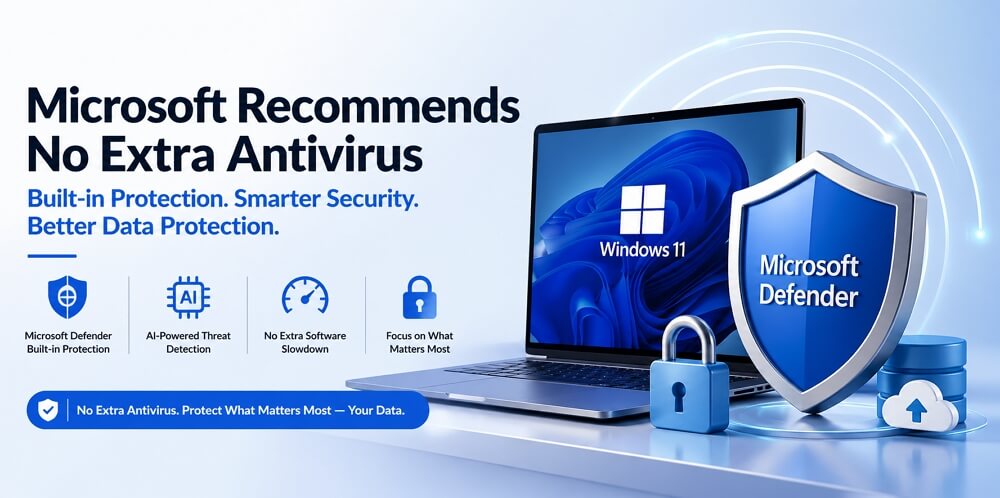
For years, installing third-party antivirus software was considered essential for Windows users. But that advice is quickly becoming outdated, and now Microsoft recommends no extra antivirus software on Windows 11.
Recently, Microsoft made a clear statement:
Most Windows 11 users don’t need additional antivirus software.
So what changed? And more importantly: Is Microsoft Defender really enough in 2026?
Microsoft’s Official Recommendation (What They Actually Said)
According to Microsoft’s latest guidance:
- Built-in protection is “usually sufficient.”
- No extra antivirus is needed if default protections are enabled.
- Users should keep systems updated and download carefully.
In simple terms: If you use Windows normally, you already have antivirus software installed. This marks a major shift from the past, when third-party antivirus software was almost mandatory.
According to that post, Microsoft Defender provides adequate protection for most users. It notes that “For many Windows 11 users, Microsoft Defender Antivirus covers everyday risk without requiring additional software,” and adds that whether to install third-party antivirus ultimately depends on individual usage habits and the specific features a user may need.
Why Microsoft Says You Don’t Need Extra Antivirus
1. Windows 11 Security Is Now Built-In
Windows 11 is no longer just an OS – it’s a full security platform, including:
- Microsoft Defender Antivirus
- Firewall protection
- SmartScreen anti-phishing
- Ransomware protection
These features work together as a default security stack.
2. Defender Has Improved Significantly
Independent testing shows Microsoft Defender now scores highly in:
- Malware detection
- Performance
- Usability
In many cases, it performs as well as premium antivirus solutions.
3. Running Multiple Antivirus Tools Can Backfire
Microsoft warns that installing extra antivirus software can:
- Cause system conflicts
- Reduce performance
- Interfere with real-time protection
More security tools do not mean better security.
Real-World Consensus (Users & Community)
This shift isn’t just coming from Microsoft. Across communities, such as Reddit, many users now say:
“Windows Defender is more than enough.”
“I haven’t used a 3rd party antivirus since XP. Defender is fine.”
“Defender + Common sense = all you need.”
Others point out:
- Third-party antivirus software is less necessary than before
- Safe browsing habits matter more than software
The trend is clear: Default security is becoming the norm. But Microsoft isn’t saying “Never Use Antivirus.”
Microsoft’s actual stance is more nuanced: You don’t need extra antivirus software for most users. But not for everyone.
Where Microsoft Defender Falls Short
1. Missing Premium Features
Microsoft Defender does NOT include:
- VPN
- Password manager
- Identity theft protection
- Dark web monitoring
2. Not Always Best for Zero-Day Threats
While strong, Defender can lag behind top-tier tools in:
- New threat detection
- Advanced attack scenarios
3. Limited Control for Power Users
- Fewer customization options
- Less visibility into threats
- No centralized management for multiple devices
When You Still Need Third-Party Antivirus
You should consider additional protection if:
1. You Take Higher Risks Online
- Download cracked software
- Use torrents
- Visit unknown sites
2. You Need Advanced Features
Microsoft Defender does NOT include:
- VPN
- Identity theft protection
- Password manager
These are common in paid antivirus suites.
3. You Manage Multiple Devices
- Families
- Small businesses
- IT environments
In these cases, centralized security tools matter more.
To Sum Up
In conclusion, Microsoft’s recommendation that most Windows 11 users do not need additional third-party antivirus software highlights how far built-in security has evolved. Microsoft Defender is now a robust, AI-enhanced protection system capable of handling everyday threats for the vast majority of users without extra tools.
However, security software alone is not a complete safety strategy. Real protection goes beyond antivirus protection and depends on how you manage and safeguard your data. Accidental deletion, hardware failure, ransomware, and system corruption can still put your important files at risk, regardless of how strong your antivirus software is.
That’s why it’s essential to take proactive steps to protect your critical data. Regular backups, secure cloud storage, and reliable disk cloning or recovery solutions should be part of every user’s routine. Whether you’re working with personal documents, business files, or irreplaceable media, building a solid data protection strategy ensures that even in worst-case scenarios, your information remains safe and recoverable.
FAQs on Microsoft Recommends No Extra Antivirus
1. Do I need an antivirus on Windows 11?
No, most users don’t need additional antivirus. Windows 11 includes Microsoft Defender, which provides real-time protection against malware, phishing, and ransomware.
2. Why does Microsoft recommend no extra antivirus?
Microsoft believes its built-in security tools are strong enough for everyday threats. These tools are integrated into the system and updated automatically, making an extra antivirus unnecessary for most users.
3. Is Microsoft Defender enough in 2026?
Yes, for most users. It offers strong protection and performs well in independent tests. However, it may lack advanced features offered by premium antivirus software.
4. Can I use Defender with another antivirus?
You can, but it’s not recommended. Running multiple antivirus programs can cause conflicts and reduce performance.
5. When should I install a third-party antivirus?
You should consider it if you:
- Need advanced features
- Manage multiple devices
- Engage in high-risk online activities