

Affiliate Disclosure: This post may include affiliate links. If you click and make a purchase, I may earn a small commission at no extra cost to you.
TL;DR
- A March 2026 update for Windows 11 (KB5079473) caused some apps (Teams, OneDrive, Outlook) to incorrectly show “You’ll need the Internet for this” due to a Microsoft account connectivity bug.
- Microsoft has released an optional emergency update — KB5085516 — to fix the issue.
- Fix: Install KB5085516 via Settings → Windows Update.
Overview of Microsoft Windows 11 Emergency Update
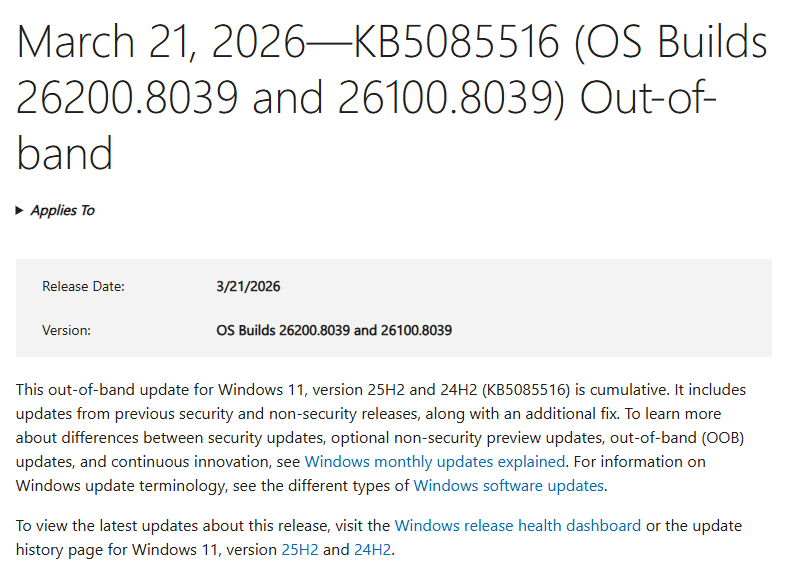
In March 2026, Microsoft released an out-of-band update to address a connectivity issue affecting Microsoft account sign-in across multiple applications in Windows 11.
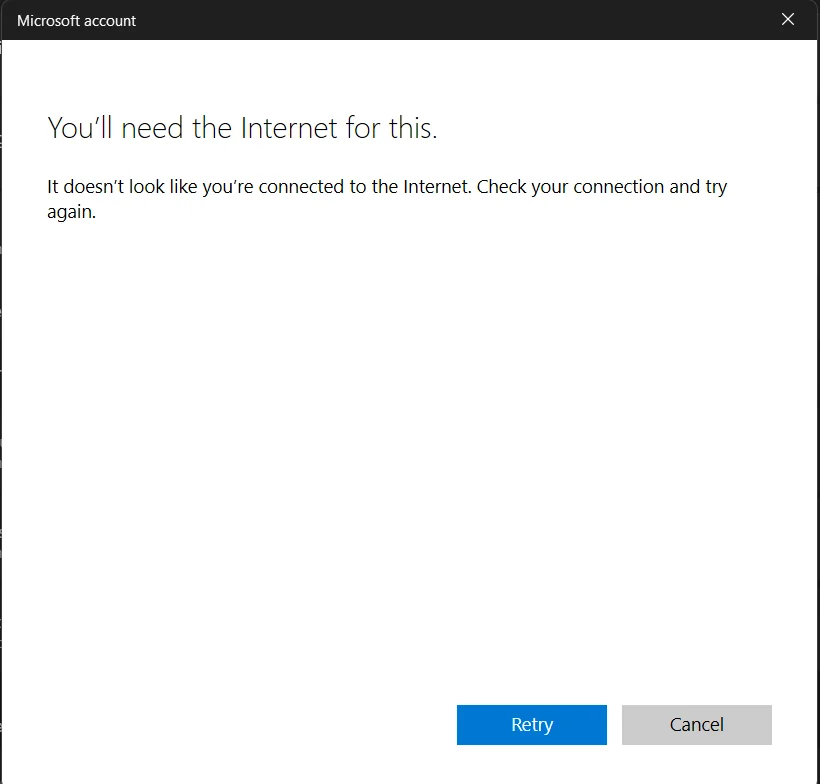
The issue was introduced by the March Patch Tuesday update (KB5079473) and caused certain apps to incorrectly report “no internet connection,” even when the device was fully online. This resulted in widespread sign-in failures and service disruptions in apps such as Teams, OneDrive, and Outlook.
To mitigate the problem, Microsoft released KB5085516, an optional emergency patch designed to restore normal connectivity behavior.
What Caused the March 2026 Patch Connectivity Bug
According to Windows Latest, the root cause of the issue can be traced to the March 10, 2026 cumulative update (KB5079473).
While the update introduced several feature improvements, it also affected how Windows handles Microsoft account authentication and network state detection. Under certain conditions, the system entered an inconsistent connectivity state in which:
- The device remained connected to the internet
- But Microsoft services failed to validate that connection
As a result, applications relying on Microsoft account sign-in were unable to function correctly.
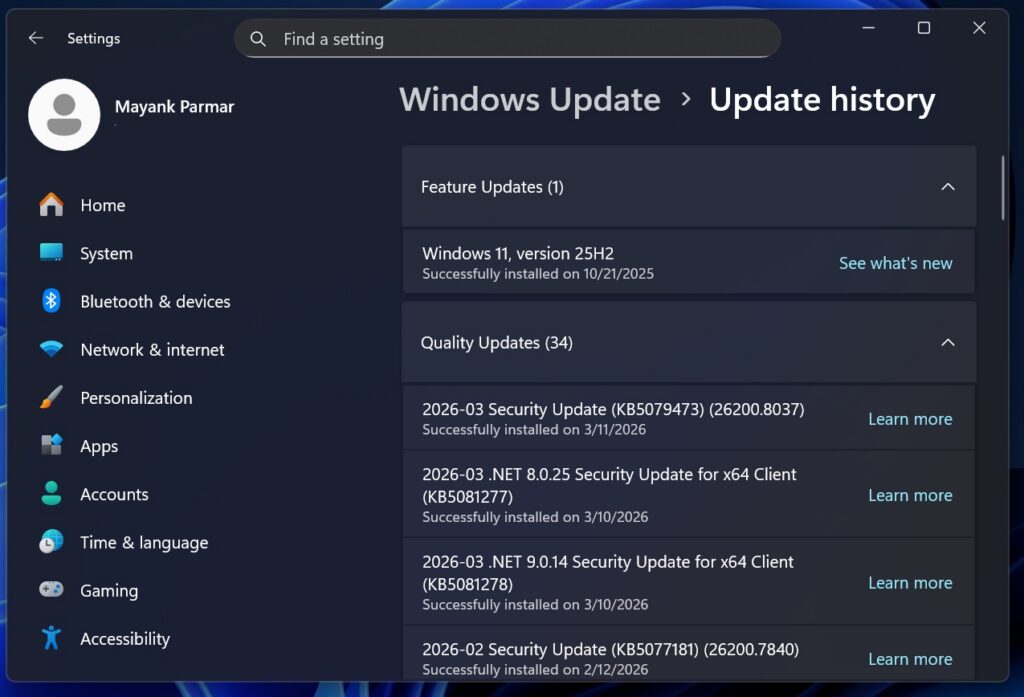
*Image credit from Windows Latest
What the KB5085516 Emergency Update Does, and Errors Caused
The bug primarily impacted Microsoft ecosystem applications that depend on account-based connectivity.
Reportedly affected apps include:
- Microsoft Teams
- OneDrive
- Outlook
- Microsoft Store
- Microsoft Office applications (Word, Excel, PowerPoint)
Common error patterns include:
- “You’ll need the Internet for this” error messages
- Error code 0x800704cf
- Failed sign-in attempts
- Inability to sync or access online resources
Notably, the issue did not affect general internet usage, which made it more difficult to diagnose from a user perspective.
KB5085516: Microsoft’s Emergency Out-of-Band Fix
In response to the issue, Microsoft released KB5085516 as an out-of-band (OOB) update around March 21–22, 2026.
This update:
- Targets Microsoft account sign-in and connectivity issues
- Restores correct network state recognition in affected apps
- Is distributed as an optional update, not automatically installed
The update applies to newer Windows 11 builds (including 24H2 and 25H2) and is available through Windows Update or the Microsoft Update Catalog.
Installation Recommendation
- Users experiencing the issue are advised to install the update
- Systems not affected can defer installation without risk
Troubleshoot KB5079473 Breaking Microsoft Account Sign-in in Popular Apps
The recommended resolution is to install the official patch KB5085516. Follow the Steps below:
- Open Settings
- Navigate to Windows Update
- Check for available updates
- Locate and install KB5085516
Once applied, affected applications should resume normal connectivity and sign-in behavior.
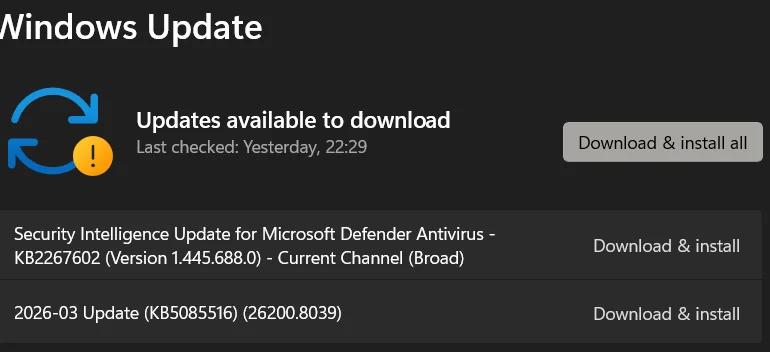
*Image credit from Windows 11 Forum


![How to Optimize SSD Read/Write Speed? [Expert Guide]](https://storedbits.com/wp-content/uploads/2024/08/cdm-result-768x449.png)