Affiliate Disclosure: This post may include affiliate links. If you click and make a purchase, I may earn a small commission at no extra cost to you.
I have explained the basics of a NAS in this article. But, to explain it simply, a NAS is a specialized mini-server built to store, protect, and share data. You get centralized storage instead of a scatter of files across laptops and phones. The key benefit is that you can access your data remotely through the internet. You can watch movies by creating a Plex server or share documents with a remote team.
You also get perks like automatic backups, redundant drives that keep data safe when a disk fails, media streaming, and remote access when you’re away from home. NAS in itself is a small computer with its own CPU, RAM, power input, etc.
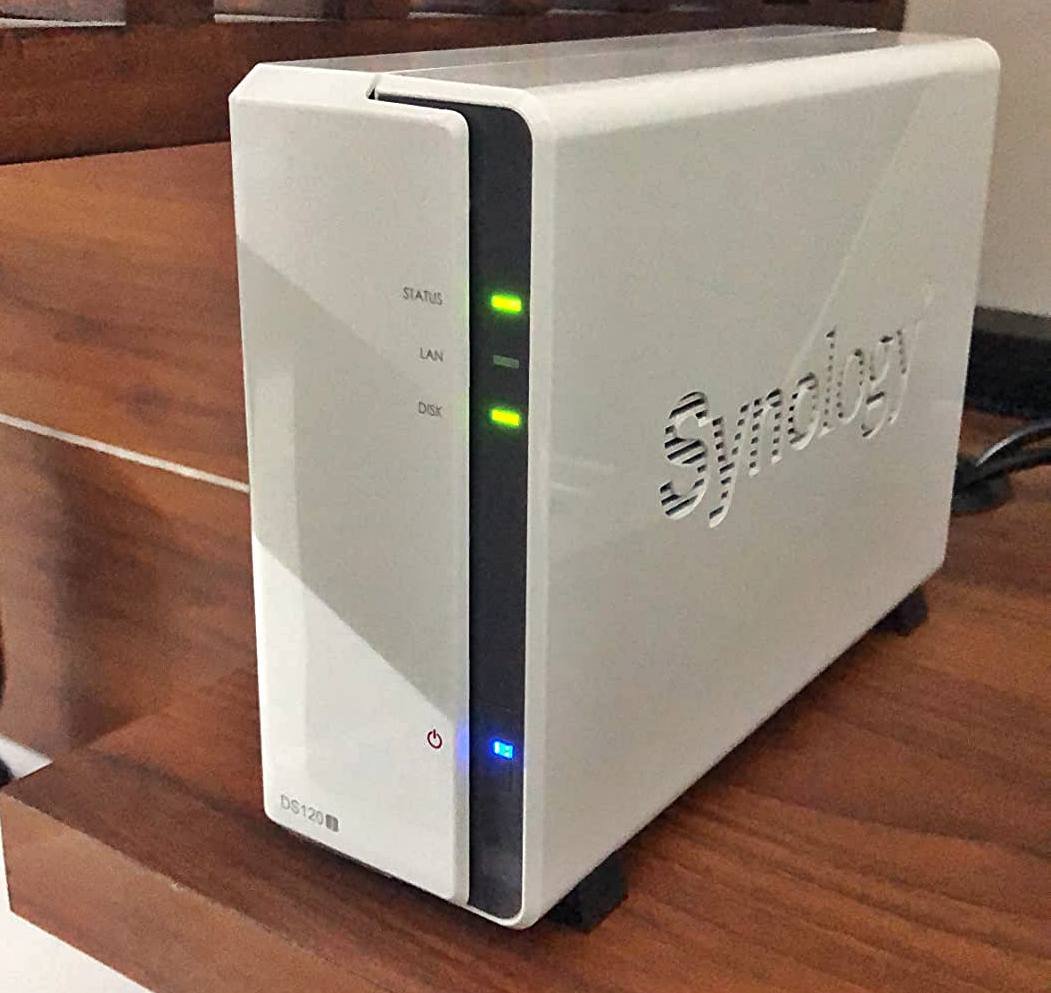
NAS can be a good alternative to a cloud storage provider in some cases. But mostly, cloud storage is enough. For example, I am a small creator who primarily works with text and images. Currently, I use Dropbox and Google Drive, and I believe they’re enough for me. I currently have 1 TB of data, which grows by about 100GB each year.
You Don’t Need Continuous, Multi-Device File Access
A NAS only shines when it acts as a central hub for multiple devices. So, if your workflow doesn’t involve pulling files from multiple PCs or mobile devices across different locations and users, a NAS isn’t a worthwhile purchase.

A NAS does nothing that a big external SSD or a local drive can’t do for far less money. Its key advantage is that it can be accessed online. Now, because it is a computer in itself with a dedicated CPU, RAM, and power unit, you will be wasting your money if you just use it for local storage.
You Won’t Actually Use the Redundancy or Backup Features
Most people buy NAS because it comes with RAID with redundancy for data security. For others, it is a part of a well-organized 3-2-1 Backup strategy. However, backups and redundancy are never only about RAID. You have to configure snapshots, configure off-site backups, set up user permissions, and monitor your RAID.
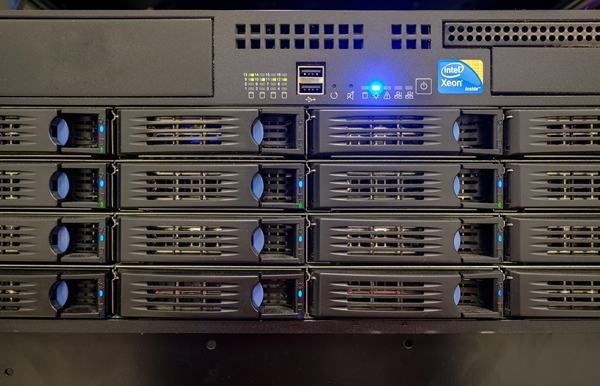
If you’re not going to maintain the system, check drive health, or set up proper backups, a NAS becomes a costly illusion of safety. In that case, a simple cloud backup subscription or a scheduled external-drive backup often delivers more real-world security for much less.
Your Network Is the Bottleneck, Not Your Storage
A NAS depends on your home network. So, if your router is weak, the connection is slow, or mostly wireless, real-world speeds can drop to a crawl. In this case, you will be spending hundreds to have an old hard drive level read/write performance, just because your internet is slow. In these cases, direct attached storage works the best.
You’re Not Running Workloads That Benefit From Always-On Storage
Media servers, virtual machines, home automation logs, and security camera footage are some of the things that truly justify the use of a NAS. Content creators with remote teams can also benefit from a NAS. But if your usage pattern is simple file transfers, casual media viewing, or periodic backups, you are just wasting your money on a NAS. A NAS sitting idle 95% of the time is essentially a costly hard drive working all the time and generating bills without any special benefits.
Pros and Cons of a NAS
| Pros | Cons |
|---|---|
| Centralized storage accessible from multiple devices | Expensive compared to simple external drives |
| Built-in data redundancy options (RAID, snapshots) | Requires ongoing maintenance and updates |
| Runs additional services (media servers, VMs, containers) | Network speeds can bottleneck performance |
| Always-on automated backup and sync | Higher power consumption than direct-attached storage |
| Scales easily with more drives or expansion units | Setup complexity can overwhelm non-technical users |
Conclusion
I tell many of my readers and clients that an NAS isn’t a toaster. You can’t just plug it in and forget it forever. Firmware updates, drive failures, permission issues, app updates, and the occasional maintenance are some of the things that you will have to keep doing. It is basically like maintaining another computer with an additional layer of software complexity. So, it is good to opt for something simpler and easier to manage if you are not planning to treat it almost like a server.

![SSDs with Highest TBW [Gen 5.0, 4.0, and 3.0]](https://storedbits.com/wp-content/uploads/2024/08/TBW-1-768x432.png)